
5F, W2, Chengxin Building , Tian An Shen Chuang Valley Industrial Center, Fenggang Town, Dongguan City, Guangdong Province,China 523681
Views: 0 Author: Site Editor Publish Time: 2026-02-02 Origin: Site


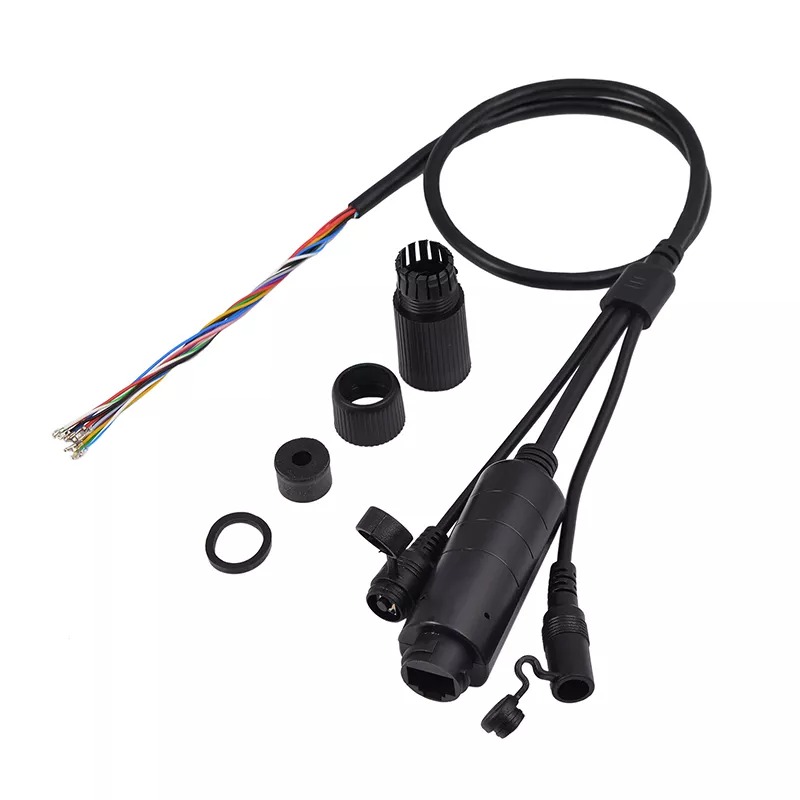
Power over Ethernet is reshaping modern network deployment. Instead of installing separate power lines and data cables, a single PoE cable now delivers both—saving time, reducing costs, and simplifying infrastructure across offices, campuses, and smart buildings. This approach also allows devices to be placed exactly where they perform best, even in locations without nearby power outlets.
So what does a PoE cable really do, and why has it become a standard for VoIP phones, building control terminals, and other connected systems?
In this article, we break down how PoE cables work, where they’re commonly used, and how to select the right option for business deployments. We also reference real-world manufacturing insights from Sdapo, helping you understand what matters when reliability and performance count.
PoE cables serve a dual purpose—transmitting both power and Ethernet signals through a standard twisted-pair Ethernet cable. Inside, copper wire pairs manage everything from voltage flow to high-speed data transfer.
A PoE cable typically uses Cat5e or higher, containing four twisted pairs. Depending on the delivery method, power is either sent along the same pairs as data (Mode A) or via unused pairs (Mode B). Here’s how it works:
Delivery Mode | Power Path | Data Path | Typical Use |
Mode A | Data pairs | Data pairs | Switches with built-in PoE |
Mode B | Spare pairs | Data pairs | PoE injectors |
These modes don’t change the cable structure—they determine how it delivers current.
Two key components drive the PoE system:
● PSE (Power Sourcing Equipment) like switches or injectors
● PD (Powered Device) such as VoIP phones, access control terminals, IoT sensors, or POS endpoints
The moment they connect, the PSE checks if the device needs power. If yes, it supplies exactly what’s required—nothing more, nothing less.
Tip: Use PoE Mode A for compact switch cabinets and Mode B for retrofitting legacy network lines.
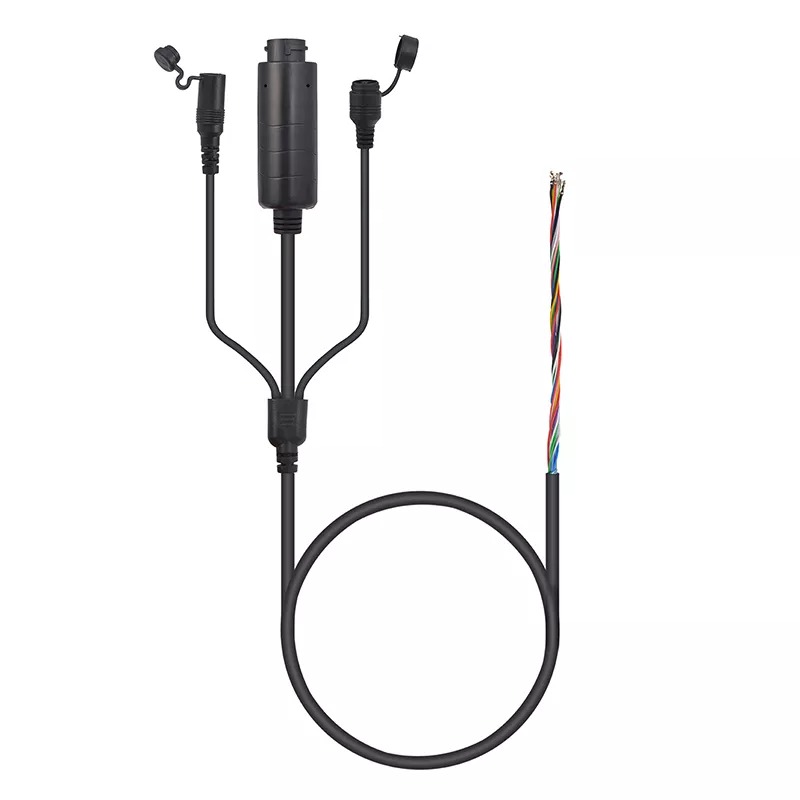
Application Area | Typical Devices | Core Benefit |
Security & Control | Access control panels, door controllers, intercoms | One cable, flexible mounting |
Connected Terminals | POS terminals, check-in kiosks, time clocks | Clean installs, easier placement |
Office Systems | VoIP Phones | Less desk clutter |
Power Management | Switches & PDUs | Centralized control |
Smart Devices | IoT Sensors | Fast deployment |
PoE simplifies the deployment of access control devices by removing the need for separate power adapters. Installers can mount door controllers, intercom terminals, or access panels on entrances, corridors, or exterior gates—anywhere that control is required—without worrying about how to provide electricity. This flexibility supports better coverage in security-critical areas such as warehouses, parking lots, and campus entrances.
PoE greatly improves the installation and placement of networked terminals. Without the need for power outlets, planners can position devices in optimal service zones—such as reception areas, central corridors, or shared workspaces—ensuring stable connectivity and consistent device uptime. It also helps reduce downtime during upgrades or relocations.
In corporate environments, VoIP desk phones often dominate the workspace. With PoE, a single cable delivers both voice connectivity and power, resulting in cleaner workstations and reduced cable congestion. Similarly, smart terminals used for visitor management or time tracking can be deployed easily without additional electrical installations.
When managing large-scale networks, PoE enables centralized control by powering intermediate devices like switches and PDUs. This simplifies rack installations in IT rooms or data closets and helps ensure uninterrupted connectivity during power rerouting or system maintenance.
As IoT adoption grows, many smart devices—from access control panels to environmental sensors—are now PoE-enabled. These devices benefit from PoE’s reliability and scalability, making it easier to add, move, or manage connected systems across a facility without redoing power infrastructure.
Traditional setups need separate electrical and network wiring, often doubling installation time and cost. With PoE, that’s no longer necessary. Let’s break it down:
Feature | Traditional Setup | PoE Cable |
Cable Type | Power + Ethernet | Single Ethernet |
Installation Time | Longer | Shorter |
Maintenance | Higher complexity | Streamlined |
Device Placement | Limited by outlets | Flexible |
Using one cable instead of two makes everything neater. Wall-mounted devices don’t need bulky power adapters. Technicians finish jobs faster and troubleshoot less.
Security and smart building industries especially love PoE’s safety benefits. Since power delivery is managed by the PSE, it prevents overloads. Non-PoE devices won't be harmed—even if accidentally plugged in.
PoE technology supports multiple IEEE standards, each offering different levels of power output suitable for various devices. Understanding these standards helps ensure your connected equipment receives the right amount of power—safely and efficiently. From basic IP phones to high-power digital displays, each tier supports a specific class of device.
The table below summarizes the most widely used PoE standards and their typical applications:
IEEE Standard | Name | Max Power Output | Suitable Devices |
802.3af | PoE | 15.4W | VoIP phones, IoT sensors, access control terminals |
802.3at | PoE+ | 30W | Intercom units, door controllers, POS terminals |
802.3bt | PoE++ | 60–90W | LED displays, smart lighting, GaN chargers |
By selecting the appropriate standard, users can optimize both power efficiency and device performance in business or industrial network deployments.
Before deployment, it’s crucial to match the selected PoE standard with the exact power requirements of your devices. Supplying too little power may cause performance drops or random disconnects, while overloading can damage sensitive equipment or trigger safety shutdowns. Each powered device—whether it’s a control terminal, embedded endpoint, or display—has a specific power class, and aligning that with the correct PoE output ensures stable, long-term operation. Taking the time to verify compatibility reduces troubleshooting, protects hardware, and helps networks scale more reliably.
Sdapo’s PoE cables support all major PoE standards. They’re certified under UL, CE, RoHS, and tested for overvoltage, temperature resistance, and waterproof performance.

Choosing the right cable type is essential for reliable PoE performance. Each category supports different power levels and data rates, so matching the cable to your system’s requirements ensures optimal results and long-term stability.
● Cat5e: Good for basic PoE (up to 15W)
● Cat6: Recommended for PoE+ (30W) and short PoE++ runs
● Cat6a: Best for high-wattage devices and longer runs (90W and 10G)
When delivering power over Ethernet, conductor thickness matters. Thicker wires—typically 23 AWG solid copper—offer lower resistance, which minimizes voltage drop over longer distances and improves energy transfer stability, especially in dense deployments.
As a rule of thumb, keep cable runs under 100 meters. Beyond that, voltage begins to drop, reducing performance or cutting off power to devices entirely. Using higher-category cables with solid copper cores helps maintain stable voltage across longer connections.
In environments where electrical noise is common—such as factories, server rooms, or areas near heavy machinery—the type of PoE cable you choose can directly affect performance. While both shielded and unshielded cables transmit power and data, only one offers enhanced protection against signal disruption caused by electromagnetic interference (EMI). Choosing the right type ensures stable communication and consistent power delivery, especially in critical systems.
Cable Type | EMI Protection | Ideal Use Case |
Shielded (e.g., Cat6a STP) | ✅ Strong | Industrial, high-noise, or data-sensitive areas |
Unshielded (e.g., Cat6 UTP) | ❌ Minimal | Standard office networks with minimal interference |
Selecting shielded cables where needed can prevent dropped signals, slowdowns, and data errors—especially in PoE++ or long-distance deployments.
How you install your PoE cables affects their longevity and performance. Avoiding basic mistakes can save hours in repairs later.
● Avoid sharp bends: They weaken copper over time.
● Keep temps below 45°C: Especially in server rooms or attics.
● Bundle fewer than 24 cables together: Prevents heat buildup.
● Use RJ45 boots: Protect connectors and make maintenance easier.
Sdapo’s PoE cables offer ultrasonic welding for insulation, 1500V isolation, and waterproofing. These aren’t injection-molded. Instead, they use pressure sealing to prevent disconnection even when exposed to heat or humidity.
As PoE technology evolves, it’s no longer limited to basic networking hardware. Today, PoE cables support advanced systems across buildings, retail spaces, factories, and charging infrastructures. By delivering power and data through one line, they simplify deployment, centralize control, and help businesses scale connected environments more efficiently.
Here’s how PoE cables are commonly used in advanced scenarios:
Application Area | Typical Devices | Core Value |
Smart Buildings | Lighting, HVAC, Access Control | Unified energy management and security |
Retail & Hospitality | Digital Signage, POS Terminals | Fast installs and cleaner layouts |
Industrial IoT | Sensors, Gateways, Controllers | Centralized monitoring and automation |
GaN Charging Systems | Hybrid PoE + Charging Devices | Single-cable power and connectivity |
Tip: For OEMs integrating GaN chargers into networked systems, hybrid PoE cables provide a clean, scalable way to combine fast charging and data communication in one connection.
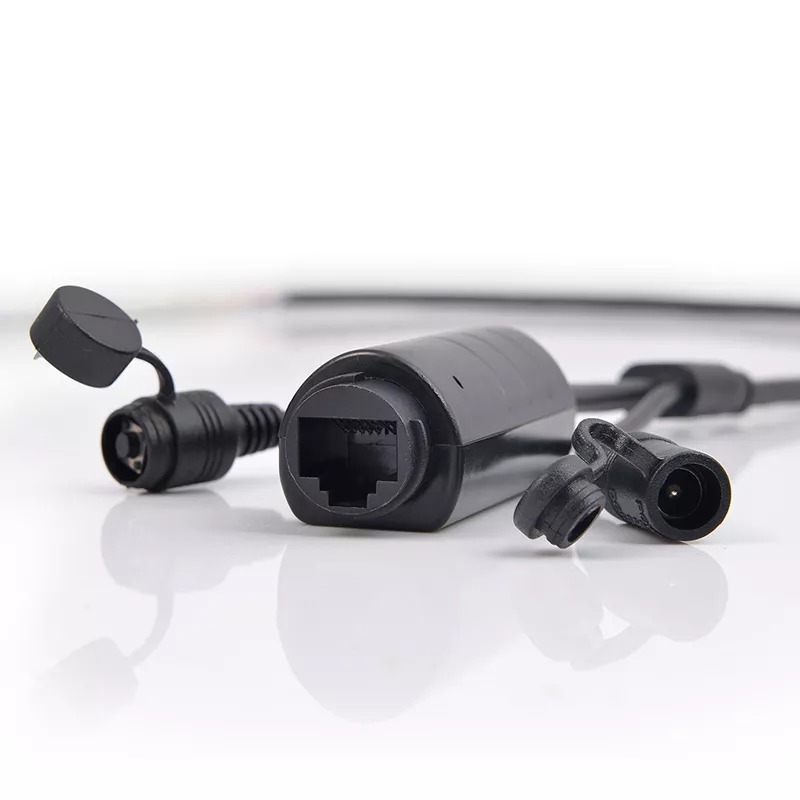
A PoE cable is more than an Ethernet line. It powers devices and moves data together. It simplifies installs, cuts costs, and gives teams flexible placement across offices, smart buildings, and IoT systems.
With globally tested cables from Sdapo Communication Co.,Ltd, businesses gain stable performance, strong isolation, and reliable delivery. Their PoE solutions help projects deploy faster, operate safely, and scale with confidence.
A: A PoE cable transmits both power and data through a single Ethernet line, helping reduce wiring complexity and installation time for networked devices.
A: A PoE cable is commonly used to connect and power devices like VoIP phones, access control terminals, POS endpoints, and IoT sensors without needing nearby power outlets.
A: Yes, but only the data function will work. Power will not be delivered unless both the source and device are PoE-compatible.
A: Using a PoE cable cuts installation costs, reduces clutter, and allows flexible device placement—especially in ceilings or remote areas.
A: Not exactly. While standard Ethernet cables can carry PoE, the system must include PoE-enabled switches or injectors to deliver power safely.
A: Yes. PoE systems include power detection protocols that prevent sending power to unsupported or non-PoE devices.


